Virtual Production for Commercials: How Agencies Get More Spots Out of One Shoot Day
Film productions that use LED volumes let commercial teams capture multiple spots, cutdowns, and platform variants. They achieve this by swapping...

Driving scenes can make a car spot stand out by showing a vehicle in its best light — or add visual movement and action to an otherwise ordinary scene. However, a lot can go into these driving scenes, depending on how you approach them. Like many other aspects of film, virtual production (VP) is currently changing the game.
Virtual production driving plates typically play pre-shot moving environments behind or around a stationary "picture vehicle." This helps crews overcome green-screen spillage, the complex logistics of filming on real roads, and the easy recognizability of old Hollywood tricks.
Driving plates create digital, moving backgrounds for scenes featuring characters driving vehicles. They eliminate the need to actually film while driving, which can be both dangerous and unlawful. Instead, simply place your vehicle or a mock frame in front of the virtual stage and use movie magic to 'drive' wherever you want.
Many modern background plates use pre-recorded or pre-rendered footage that matches precise camera angles, such as a rear window view of a Chicago road. Advanced driving plates powered by virtual production render these digital backdrops in real time. This allows the backdrop's visual effects (VFX) to respond to camera movement and actors' actions in ways that were previously impossible.
While much of the technology of driving plates is new, the concept is almost as old as Hollywood. Originally, crews used rear projection and process-shot techniques with translucent screens to create driving backgrounds.
However, this poor man's process often caused the color to look washed out, and the footage and the actor's movement rarely synced. Think of movies such as Alfred Hitchcock's The Birds (1963) or Airplane! (1980) and the other movies that parodied this process-shooting technique later.
Green screens eventually offered a new solution — but also new problems, including color spillage, unwanted shadows, longer post-production processes, and creative limitations. Modern driving plates for VFX solve the issues of both previous solutions by creating real-time backdrops that can respond immediately to what's happening in the scene.
Traditional car scenes without plate VFX, green screens, or rear projection are often much more challenging to pull off, but the results can look more engaging and immersive, depending on your scene. Consider an action movie chase scene where you could obviously tell that the drivers were in front of a green screen — then compare it to a chase scene where you can tell every turn of the wheel was real.
Filming a traditional driving scene usually requires trailers and other equipment to safely move the picture vehicle down the road without requiring your actors to drive. Usually, this means you can only film from the front of the vehicle, though special gear offers additional possibilities.
Necessities include:
Both traditional driving scenes and virtual production offer notable advantages, depending on what your specific project calls for. However, each has its own unique considerations.
Traditional strategies require you to account for resets in production. This means moving the picture car, tow rigs, talent, and everything else back from the end to the start of your scene every time you film a new take. Extensive distances, traffic concerns, and art direction can make this process more time-consuming than some crews initially plan for. With virtual production, you generally only need to reset the driving plates' VFX between takes.
You must also consider weather and changing daylight. The movement of the sun and clouds can make two shots look very different when filmed even 30 minutes apart. This typically won't cause issues in a single, uncut take, but it can pose serious limitations when capturing the scene over the course of an afternoon with multiple shots and angles.
Virtual production driving plates fix this issue by letting you maintain consistent lighting and backdrops across full production days. This offers crucial repeatability and control, which is especially important for dialogue-heavy and commercial shoots.
Virtual production driving plates use bright LED screens to cast your background directly around your subject. They also sync up with other LED lighting equipment for cohesive lighting and color from every direction. This advanced plate playback ensures the reflections on your vehicle's glass and bodywork match the environment.
Being able to see and control your background in-studio also enables faster resets for more repeatable takes. Plus, lighting virtual production sets lets you easily maintain visual consistency and continuity, especially since you can see how the final image and VFX will look in-camera.
Forge Virtual Studio offers multiple studios with different plate types and capabilities. Studio A uses Unreal Engine to render backdrops in real time. This allows the plate VFX to respond to camera movement and other directions while maintaining immersion. Meanwhile, Studio B uses 2D plates with pre-rendered footage from the Vū Studio library to streamline the virtual production process for multi-shoot days.
The visuals for your LED volume playback usually come from one of three sources.
Your first option is to use footage captured by your production team. Custom-captured plates offer a high level of creative control over your driving environment and your vehicle's movement. This may be crucial if you want to capture a specific location, such as the outside of your business, or if your script calls for turns, stops, or other movement at specific moments. Beyond that, high-quality live-action backgrounds can match the photorealism of driving scenes fully filmed outdoors.
The custom-captured plate approach can save you time and effort compared to a traditional outdoor driving scene. However, you'll still need the right production equipment (and usually some permits, too) to capture the footage, which can delay your virtual production timeline and still add to your budget.
Licensed libraries offer a wide variety of visuals and assets for your driving plates, including live-action and computer-generated footage. These existing plate assets are often the most time- and cost-effective solutions for virtual production. However, they offer limited creative control, so your production may hinge on you finding assets that match your precise vision. Fortunately, Forge's access to the Vū Studio library ensures you'll have plenty of options.
Forge's Studio A can render photorealistic driving backgrounds in real time using Unreal Engine and advanced camera-tracking systems. This often offers the highest level of creative control, as you can dictate precise scenery, lighting, and movement.
For instance, if your scene requires syncing dialogue with the vehicle's movement, an Unreal Engine artist can adjust the background's timing and speed to match the actors' performances. This is better than reshooting or editing custom-captured plate footage while maximizing creative freedom on set.
3D-generated environments often take longer to prepare in pre-production and on-set than pre-rendered or pre-captured footage. However, the creative control is often worth the extra time and budget for many productions, especially considering that virtual production driving plates can speed up post-production.
Additional driving plate VFX strategies for virtual production include:
Quite a bit goes into virtual production with driving plates, both before and during your big production day:
Repeatable playback lets you capture your vehicle from multiple locations and with new looks without changing locations or moving the vehicle. Download the Producer's Blueprint For Using Unreal & 2D Plates Without Blowing the Budget to learn more about the benefits of 2D plate VFX.
Comparing 2D plates to 3D Unreal environments requires you to consider your production's unique needs.
2D plate filming is typically much faster and ideal for setups with limited camera movement or other parallax-related needs. Because you'll spend less time resetting and preparing each shot, you can often capture more takes and content on the same day.
Real-time 3D environments are a better option for productions with more extensive camera movement or production needs. They create an extended reality (XR) that supports realism and immersion. For instance, if your camera moves around the car while it's driving — or if you need to shift focus between two actors while they talk — switching from 2D to XR 3D plates can keep the background and foreground cohesive.
From greater creative control and lighting consistency to practical safety concerns, controlled plate workflows offer distinct creative and logistical advantages over other driving strategies. Both 3D and 2D filming can bring your car spot to life, allowing your vehicle to drive practically anywhere without moving its tires.
Contact Forge or book a tour to learn more about shooting with virtual production driving plates.

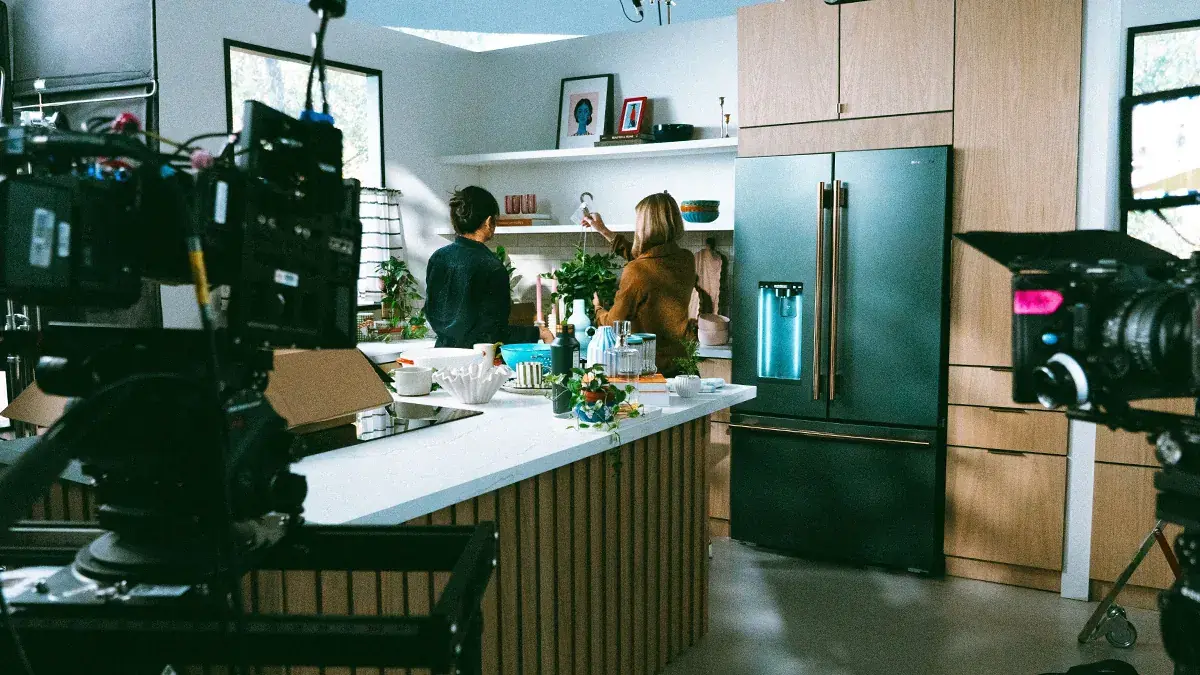
Film productions that use LED volumes let commercial teams capture multiple spots, cutdowns, and platform variants. They achieve this by swapping...
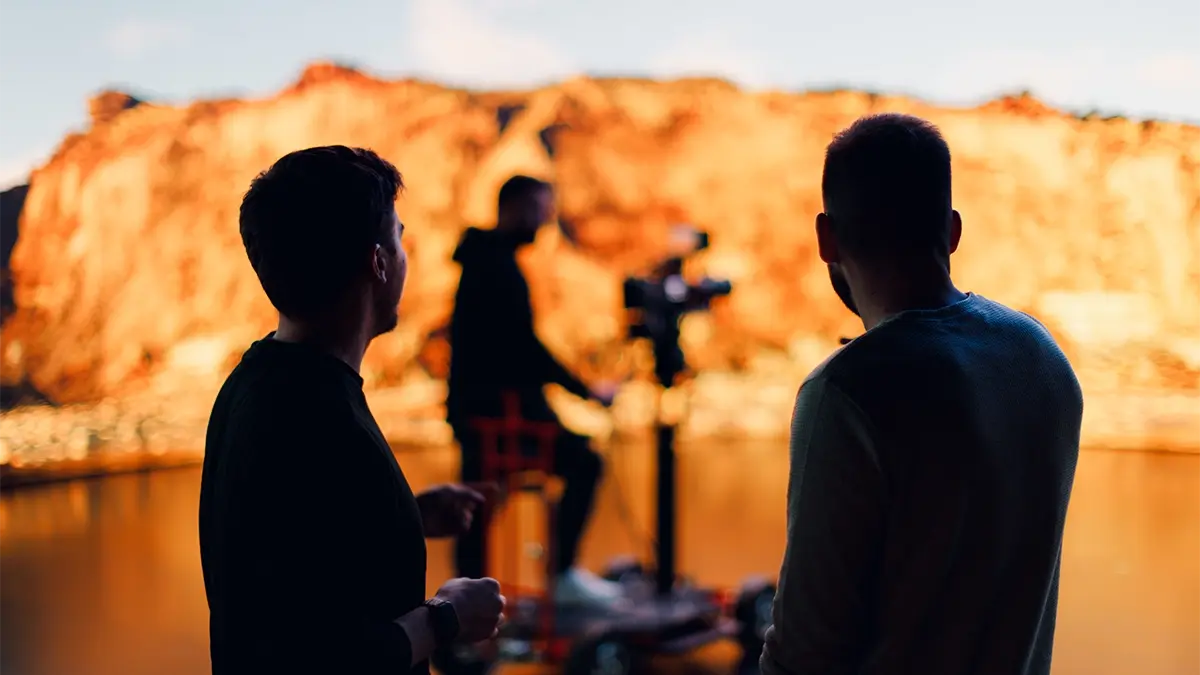
Virtual production (VP) can streamline and revolutionize your shoot, and a studio tour lets you see exactly how. A good virtual production studio...
Renting a sound stage today gives you access to a controlled, sound-treated shooting environment. Depending on the studio, you may even be able to...